Echo embeds a real feedback panel directly into your web app — no redirect to a separate site, no login required for your users. Runs multiple apps and projects from a single self-hosted, EU-hosted instance instead of a third-party service reading through your users' reports.
This page runs on Echo itself — the icon in the header is the real widget.
Most in-app feedback tools force a trade-off: either a real embedded widget with no clean way to run it across several apps, or a solid multi-project setup that only works with an external redirect instead of an actual panel on your own page. Echo gets both at once.
The panel lives right on your page. Users never leave your app or create an account.
Separate apps and categories, cleanly filtered, all served from a single shared Echo deployment.
Your own infrastructure, your own data. No analytics SDK bundled into the widget itself.
A quiet honeypot field and basic rate limiting — no CAPTCHAs in front of your users.
Admin replies go out by email, threaded against the same conversation the reporter already has open.
Turn a report into a GitHub issue. Status changes and comments on GitHub flow back automatically.
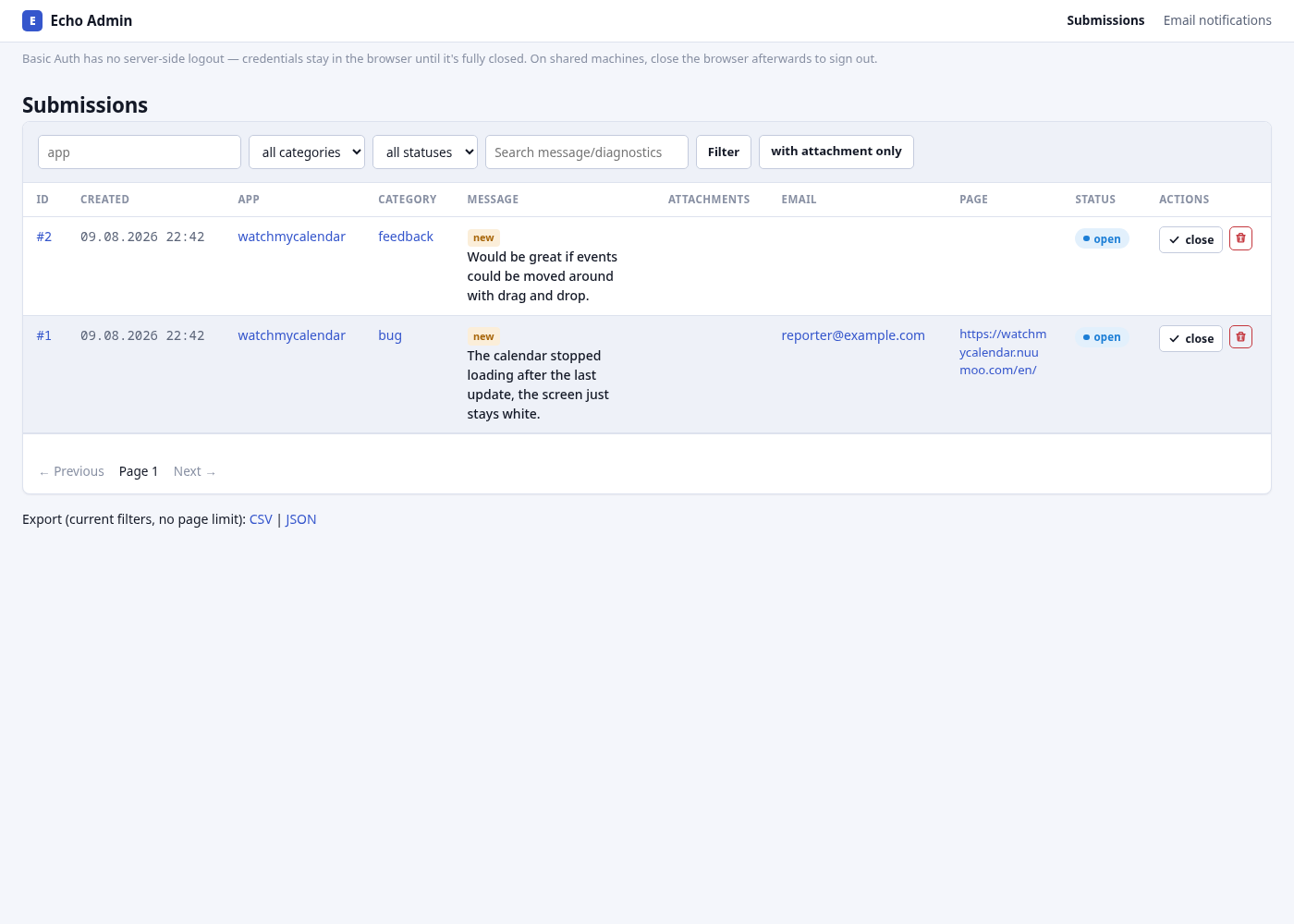
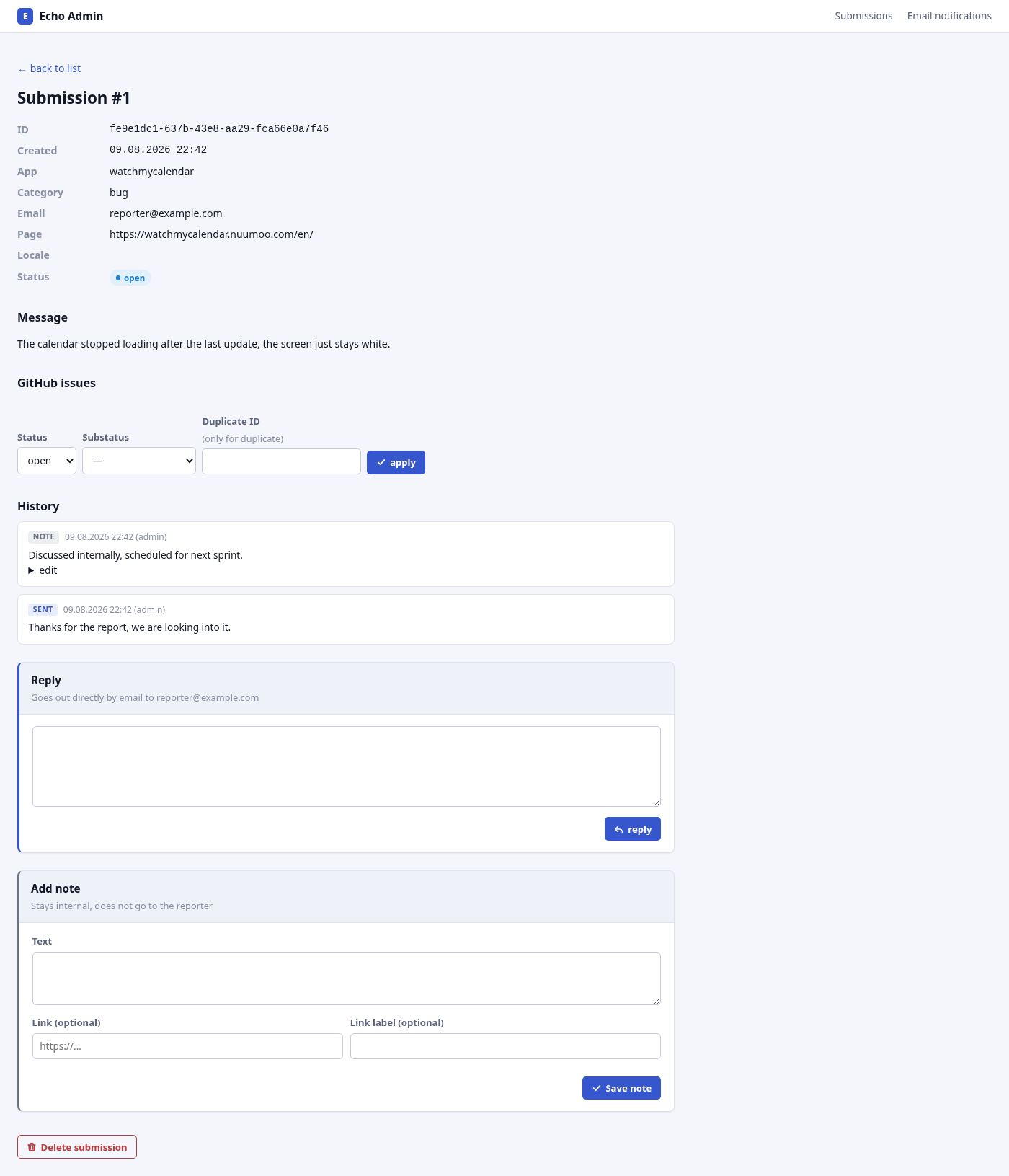
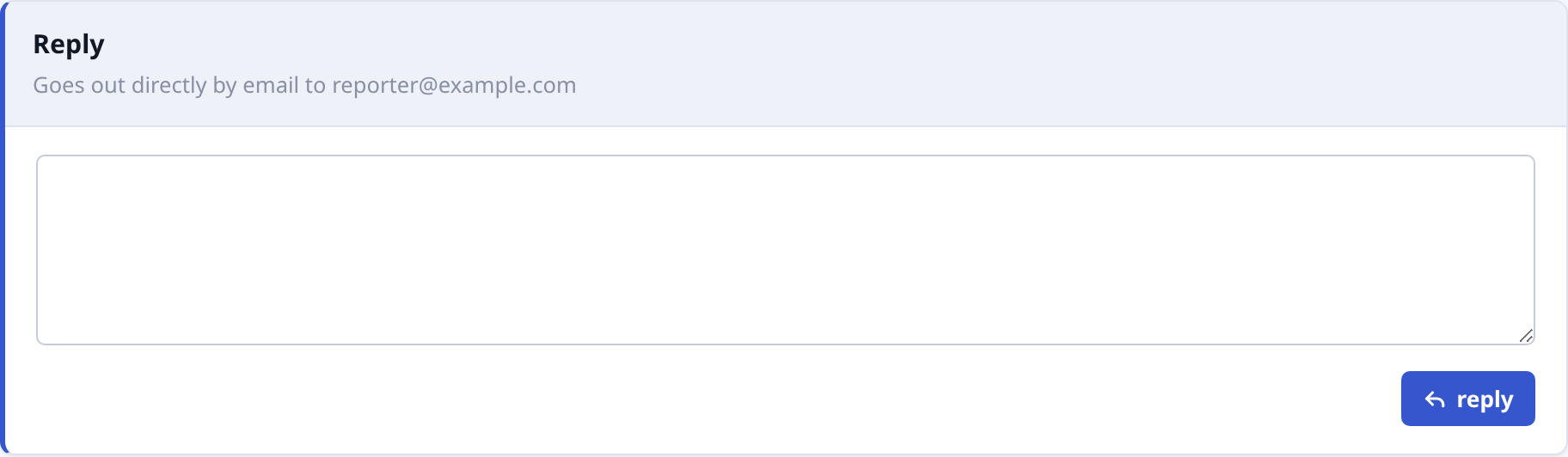
Reply straight from the admin view — it goes out by email, threaded against the reporter's own inbox.
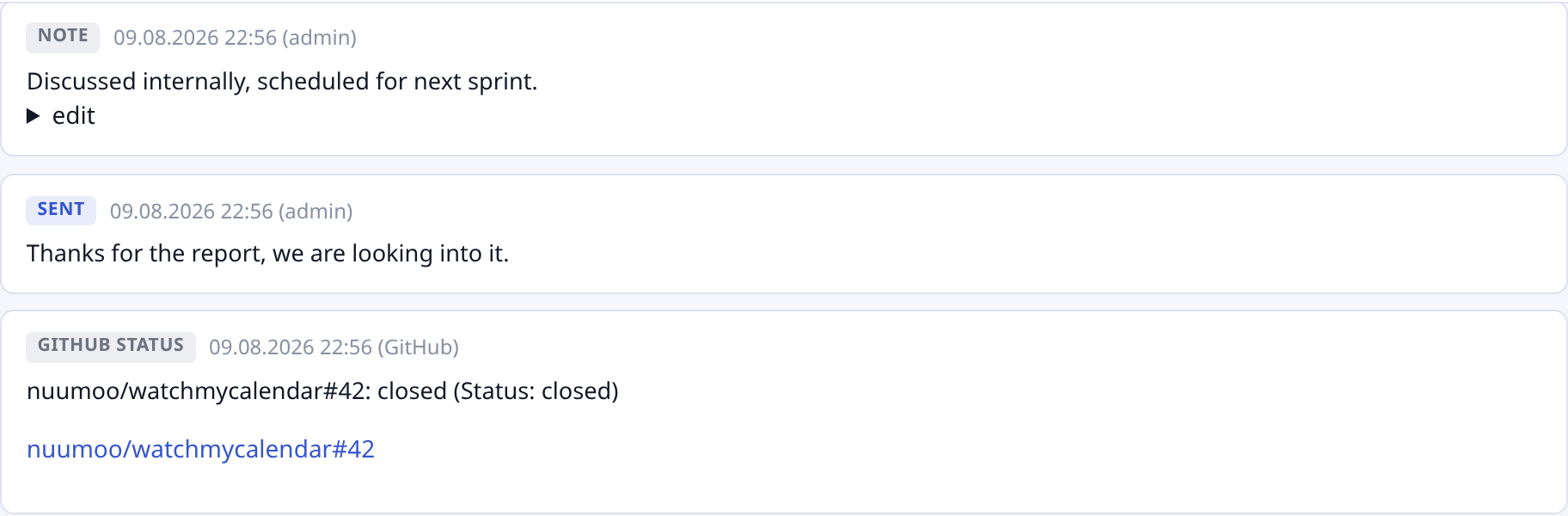
Every reply, internal note, and GitHub status change lands in one timeline — nothing gets lost between tools.

Turn a report into a GitHub issue with one click. Close it on GitHub, and the status syncs back automatically.

Filter the list by app, category, status, sender, or page — or just click any value in a row to filter by exactly that.
Submitters stay anonymous; an email address is optional, only for follow-up. Nothing is collected in the background — only what's actively submitted through the form.